
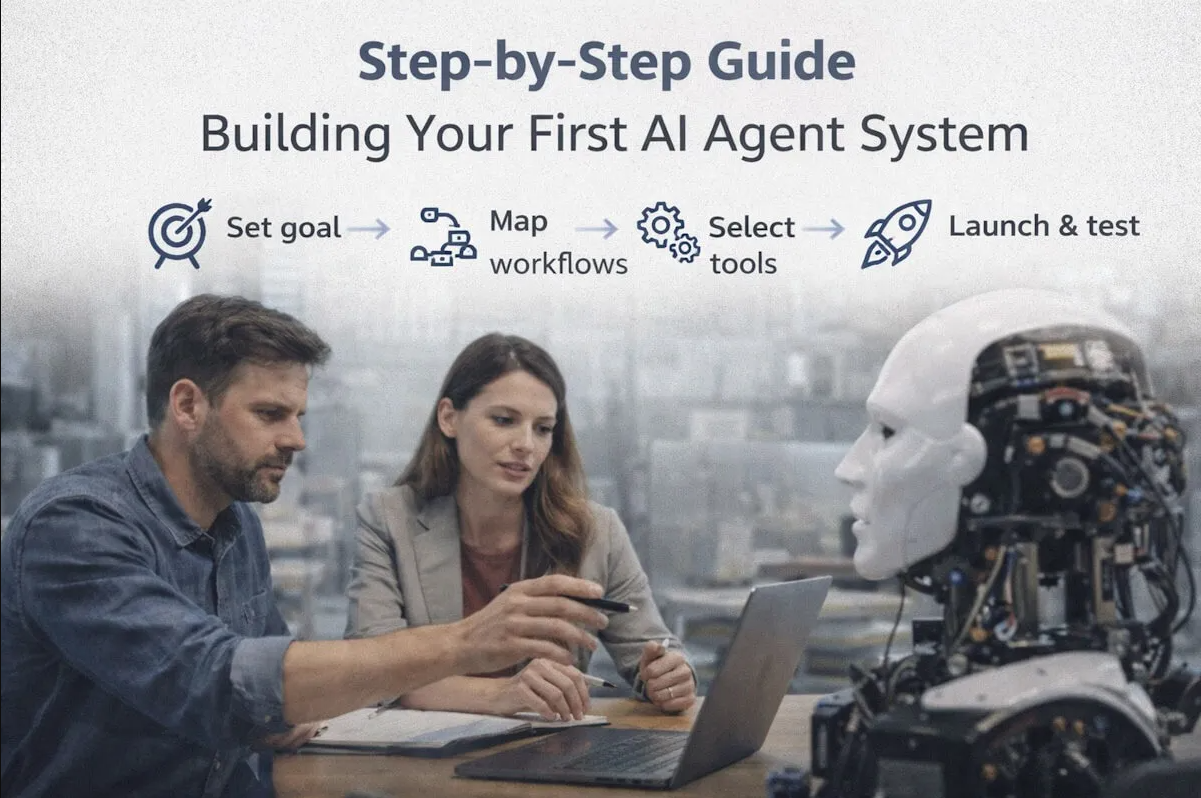
A lot of teams are curious about AI agents right now. That makes sense. The idea sounds useful from the jump. You set a goal, connect a few tools, and let the system handle tasks that usually eat up time. It feels like the next logical move for companies that want faster execution without adding more manual work.
Still, curiosity and real progress are two different things.
Many businesses like the concept but get stuck the moment they ask a simple question. Where do we begin?
That question matters. If you start with the wrong setup, you end up with a messy system that looks smart in a demo but falls apart in daily use. If you start with the right process, your first agent can become the base for a lot more.
So let’s keep this practical.
This guide walks you through the early stages of building your first AI agent system in a way that feels manageable. No fluff. No overcomplicated theory. Just the steps that help you go from idea to something that actually works.
Step 1: Start with one clear business problem
Before you think about tools, models, prompts, or workflows, stop and ask one thing.
What business problem are you trying to solve?
This is where many teams mess it up. They get excited about the tech and start building around the idea of an agent without deciding what the agent is supposed to do. That usually leads to a system that sounds impressive but doesn’t solve a real problem.
Your first agent should focus on one specific task or process.
Good examples include:
- qualifying inbound leads
- answering common support questions and taking the next action
- scheduling follow-ups
- updating records across tools
- routing requests to the right team
Bad starting points are broad ideas like:
- improve productivity
- automate the whole sales process
- make support smarter
Those sound nice, sure. They’re just too vague.
The tighter the use case, the better your first build will be.
Step 2: Define the outcome, not just the task
Once you’ve chosen the problem, define the outcome.
This is a small shift, but it changes everything.
Don’t say, “The agent should send emails.”
Say, “The agent should follow up with new leads within ten minutes, track replies, and book meetings when a lead shows interest.”
See the difference?
One describes a task. The other describes a result.
That matters because AI agents work best when they are built around outcomes. You want the system to know what success looks like. That makes it easier to shape decision rules, choose data sources, and measure whether the build is doing its job.
A good outcome should answer:
- What should the agent achieve?
- What actions can it take?
- When should it stop?
- When should it ask for human help?
If you skip this part, your system ends up doing random work without a clear purpose.
Step 3: Map the current process as it exists today
Now you need to study the process you want the agent to handle.
Not the ideal version. The real one.
Sit down with the people who do this work now and map the process step by step. Look at what actually happens, who touches it, what tools are used, what decisions are made, and where delays show up.
You want to capture:
- the trigger that starts the process
- each action taken after that
- the decision points in the middle
- the tools involved
- the common exceptions
- the final outcome
This part sounds boring. It kind of is. It’s also one of the most useful steps in the whole build.
Why? Because most workflows are more complicated than they look from the outside. You may think a lead follow-up process is just “send email, wait for reply.” Then you dig in and realize there are edge cases, priority rules, channel changes, and approval steps all over the place.
If you don’t map that early, your agent won’t know how to behave when real-world situations show up.
Step 4: Choose where the agent should make decisions
This is where your build starts becoming an actual agent instead of a basic automation.
A simple automation follows fixed rules. If X happens, do Y.
An agent needs room to decide what comes next within a defined boundary.
So ask:
- What decisions should the agent be allowed to make?
- What decisions should still stay with a person?
- What information will it use to make those decisions?
For example, if you’re building a sales follow-up agent, it may decide:
- whether a lead is worth a follow-up
- which message to send first
- when to send the next outreach
- when to stop and mark the lead cold
- when to route the lead to a sales rep
At the same time, maybe it should not decide:
- contract pricing
- discount approval
- final deal terms
That split is important.
Your first system should have enough freedom to be useful but not so much freedom that it becomes risky.
Step 5: Pick the tools and systems it needs to access
Your agent can’t do much if it has nowhere to get information and nowhere to take action.
So now you need to decide which systems it should connect with.
These may include:
- CRM platforms
- email tools
- chat tools
- help desk software
- internal databases
- scheduling systems
- project management tools
Keep the first version lean. Don’t connect everything just because you can.
Ask one simple question for each tool: does the agent need this to do its job well?
If the answer is no, leave it out for now.
The best first builds are focused. Too many connections too early can make the setup fragile and harder to test.
This is one reason many businesses explore Agentic AI Development Services when they’re starting out. A skilled team can help decide what really needs to be connected and what can wait until later.
Step 6: Set clear rules for action and escalation
An AI agent should not operate like a mystery box.
You need rules.
Good rules don’t make the agent weak. They make it dependable.
Set boundaries like:
- what the agent can do on its own
- when it must ask for approval
- when it should escalate to a person
- how many times it can retry an action
- what it should do when data is missing
- what should be logged for review
Let’s say your support agent can process refunds. You may decide it can approve refunds under a certain amount, but anything above that goes to a manager.
That’s a solid rule.
Or maybe your lead management agent can send three follow-ups, then stop and update the status if there’s no reply.
That’s also a solid rule.
These boundaries create trust. Your team needs to know the system will act in a controlled way, not just wing it.
Step 7: Build the workflow in small layers
This is where people often overreach.
They try to build a full agent system in one go. Bad move.
Instead, build in layers.
Start with the core workflow. Get the basic version running first. Then add decision logic. Then add exception handling. Then add reporting.
A simple order might look like this:
- detect the trigger
- gather required information
- decide the next action
- take the action
- log the result
- escalate when needed
That’s enough for a first pass.
Once that works, you can add more detail. Maybe later you add smarter follow-ups, richer context from other systems, or better reporting.
The point is to get something stable before you get fancy.
Step 8: Test with messy, real examples
A lot of first-time builders test on perfect examples.
Perfect lead data. Perfect support tickets. Perfect customer replies.
Real life is not that polite.
You need to test your agent against messy situations:
- incomplete data
- duplicated entries
- unclear messages
- conflicting records
- customer silence
- unexpected replies
- system errors from connected tools
This is the stage where weak logic gets exposed. Good. That’s the point.
You want to find problems now, not after the system is live and making mistakes in front of customers or internal teams.
Run the agent through real scenarios from past work. Use examples pulled from actual operations. Watch how it behaves. Where does it hesitate? Where does it get stuck? Where does it take the wrong step?
That feedback is gold.
Step 9: Keep a human in the loop early on
Your first AI agent does not need to be fully independent on day one.
In fact, it probably shouldn’t be.
A strong early setup gives the agent room to act while still allowing human review where needed. This helps your team build confidence in the system and catch issues before they grow.
At the start, a person might review:
- messages before they’re sent
- high-value actions
- escalated edge cases
- unexpected outputs
- final status changes
Over time, as performance improves, you can reduce the review layer.
This approach is a lot safer than going fully hands-off too soon. It also gives your team space to learn how the system behaves in daily work.
Step 10: Measure performance with business metrics
If you only judge your agent by whether it “works,” you’ll miss the bigger picture.
You need to measure whether it improves the business process.
Look at metrics like:
- response time
- task completion rate
- follow-up speed
- error rate
- support resolution time
- meetings booked
- manual hours saved
- escalation rate
Pick the ones that match the original outcome you defined in Step 2.
Let’s say your goal was to improve lead follow-up. Then the right questions are:
- Did response time improve?
- Did more leads get contacted?
- Did meetings increase?
- Did reps save time?
That tells you whether the system is useful, not just active.
Step 11: Improve the system after launch
Your first launch is not the finish line. It’s the first real test.
Once the agent is live, keep watching how it performs. Look for patterns. See where it’s doing well and where it needs help.
You may notice:
- certain lead types need a different approach
- some support issues should be escalated faster
- one integration fails more than expected
- a decision rule is too strict
- a message feels off in certain cases
That’s normal.
Great agent systems get better through steady tuning. Small fixes can make a huge difference over time.
This is also why companies choose to Hire AI Agent Developers who understand more than just code. A good developer in this space knows how to shape behavior, improve flows, and keep the system useful as business needs change.
Step 12: Expand only after the first use case is stable
Once your first agent is performing well, it’s tempting to build five more.
Take it easy.
Before expanding, make sure the first one is stable, trusted by the team, and clearly delivering value.
Ask:
- Is the workflow dependable?
- Are the results improving the process?
- Does the team trust the system?
- Are the logs and reviews easy to manage?
- Have the biggest issues been fixed?
If the answer is yes, then expand.
At that point, you can either deepen the same use case or move into another one. A support agent might branch into billing help. A sales agent might expand from follow-ups to lead qualification. An operations agent might move from task routing to full process tracking.
That kind of growth makes sense because it builds on a solid base.
Common mistakes to avoid on your first build
A first AI agent project can go sideways fast if you rush it. A few mistakes show up again and again.
The first is trying to solve too much at once. Keep your scope tight.
The second is building without clear boundaries. If the agent has no rules, your team won’t trust it.
The third is ignoring messy real-world data. Pretty demos don’t prepare you for daily use.
The fourth is focusing only on the tech side. Your real goal is business execution, not a cool demo.
The fifth is skipping team involvement. The people who do the work now should help shape the system. They know where the friction lives.
Avoid those mistakes and your odds get a lot better.
Your best next move
Building your first AI agent system does not need to feel overwhelming. It just needs structure.
Start with one real problem. Define the outcome. Map the workflow. Set decision rules. Connect only the tools you need. Test with messy examples. Keep a human involved early. Measure what matters. Then improve from there.
That’s it.
Simple? Yes. Easy? Not always. Still, it’s very doable when you take it one step at a time.
And that’s the real point. You do not need to build the biggest or smartest system right away. You need to build one that helps your business move faster, with less manual effort and more consistency.
That first win matters. A lot.
Because once your team sees one useful agent doing real work, the whole conversation changes. It stops being “should we try this?” and becomes “where else can this help us?”
Where this can take you next
Your first AI agent is not just a project. It’s a starting point.
Build it carefully, keep it grounded in real work, and let it earn trust through results. That’s how you move from interest to actual business value.
And once that happens, you’re not just testing a new idea anymore. You’re building a new way for work to get done.